774ng.com/
Discover
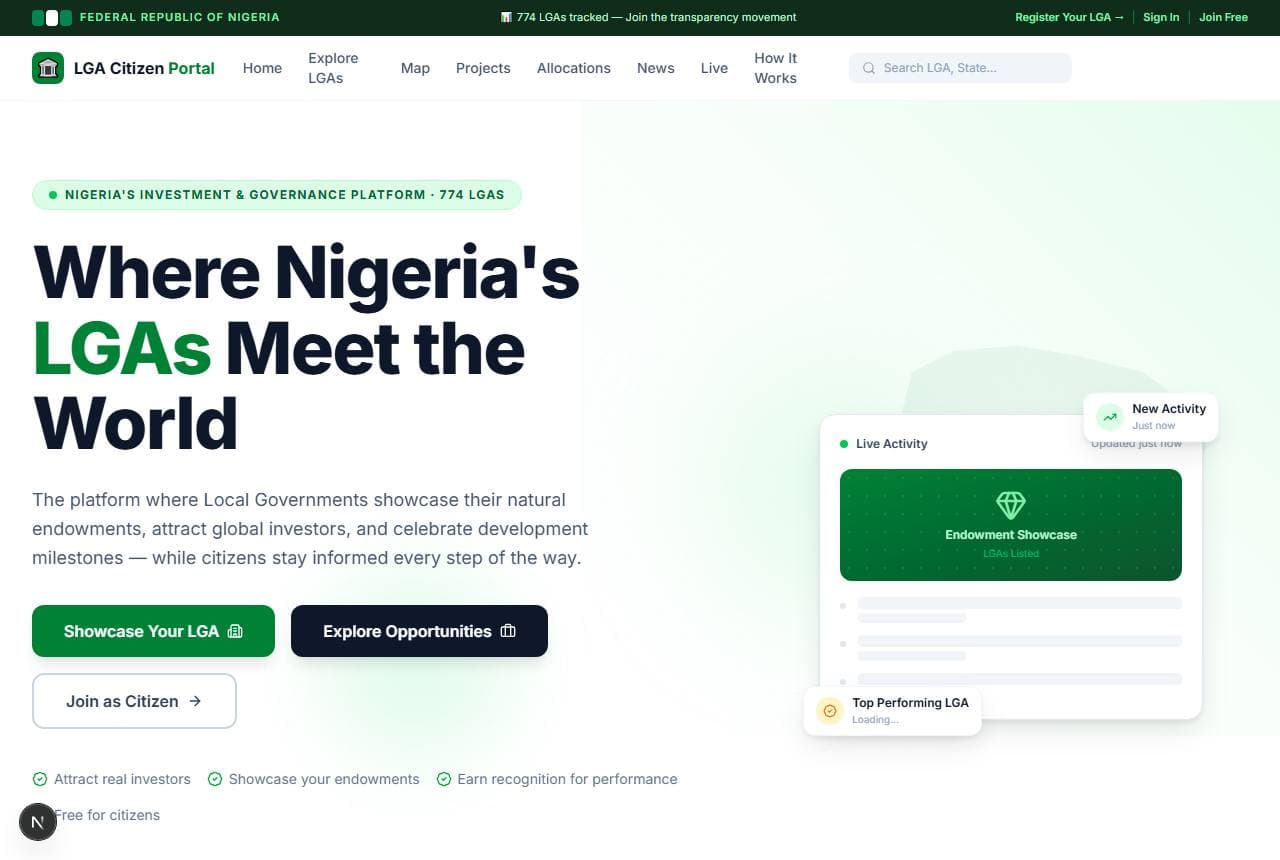
Lands on the public homepage — live allocation stats, featured LGAs, ongoing projects — before ever creating an account.
Four people open the same portal for four different reasons. Here is exactly what each one sees, screen by screen, route by route.
Role 01 · Citizen
Any Nigerian can register, verify their identity, and start tracking federal allocations and projects in their own LGA — no invitation required.
The journey, in order
Lands on the public homepage — live allocation stats, featured LGAs, ongoing projects — before ever creating an account.
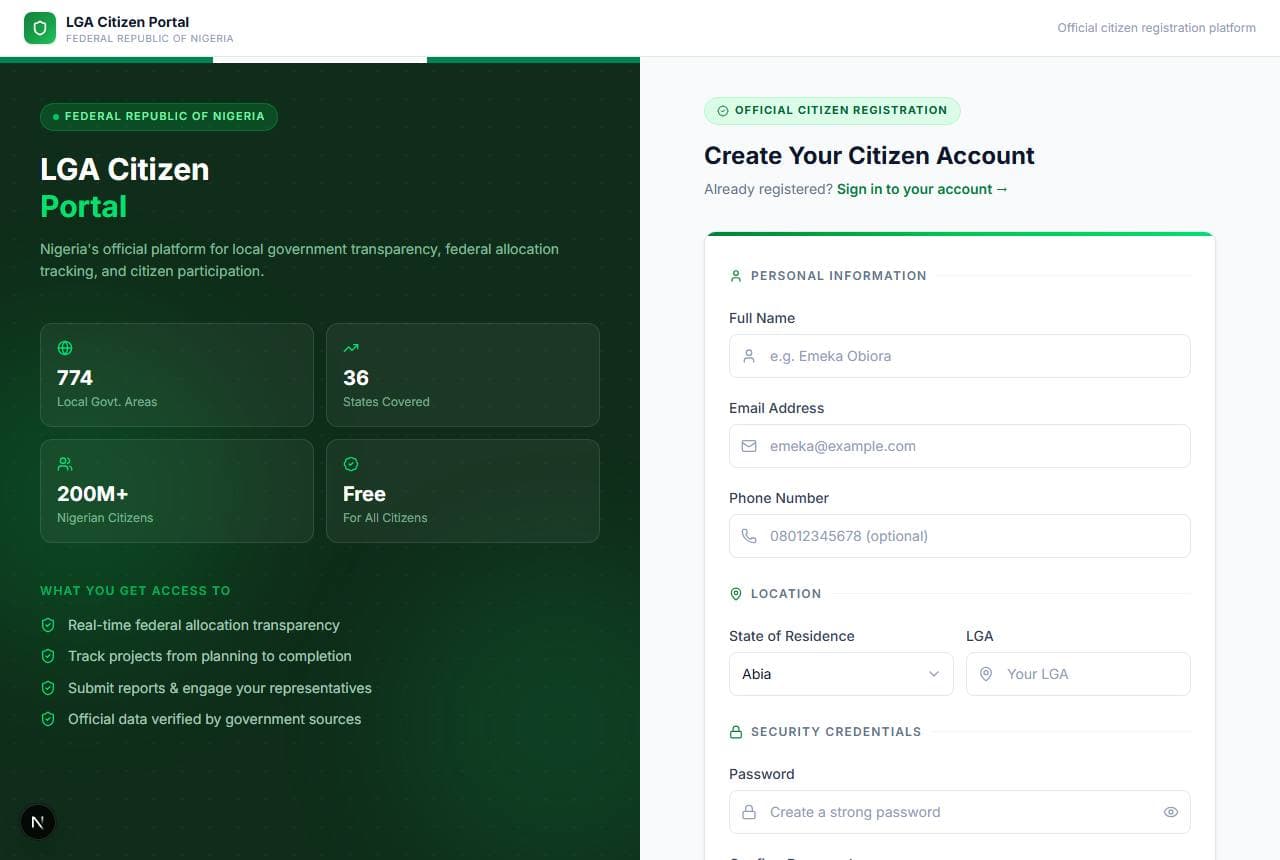
Registers with full name, email, phone, state and LGA of residence, and a password. Every account starts as a direct registration — there is no social sign-in.
Enters the 6-digit code emailed to them to confirm the address before the account activates.
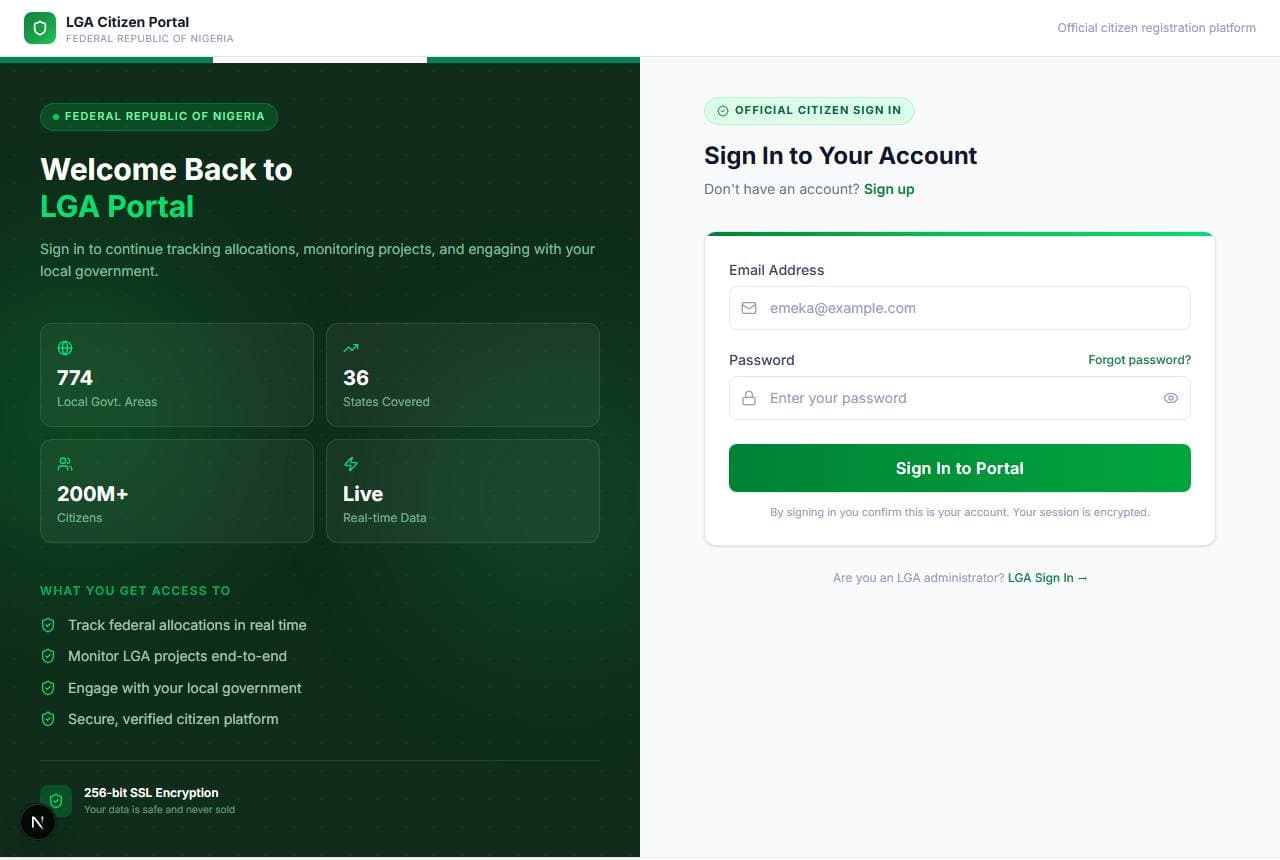
Returns to sign in with email and password. A fresh one-time code challenges every new session before it's trusted.
Manages name, phone, LGA of residence, and profile photo — the same identity shown on any comment they leave.
Changes password, signs out, or permanently deletes the account — there's no linked social login to unwind first.
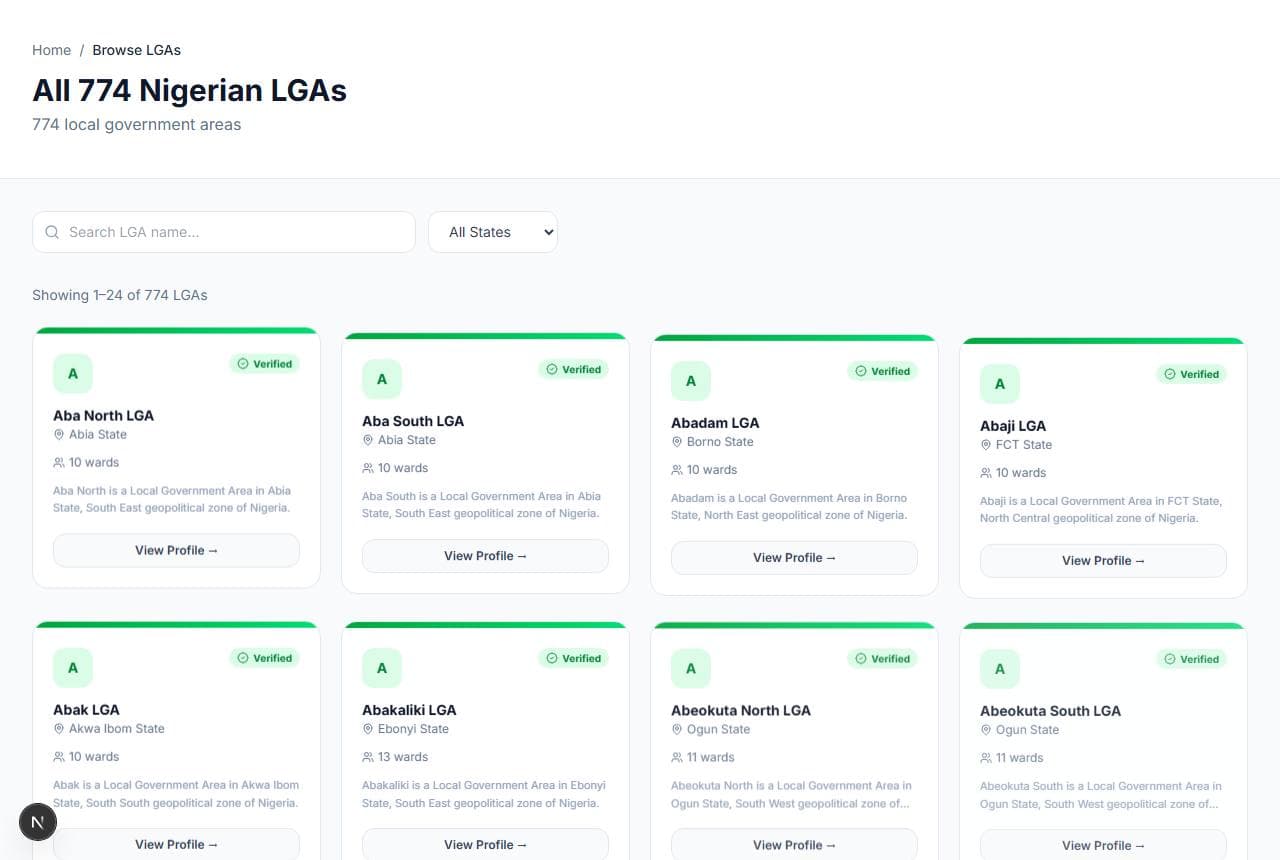
Searches or filters all 774 Local Government Areas by state, population, or verification status.
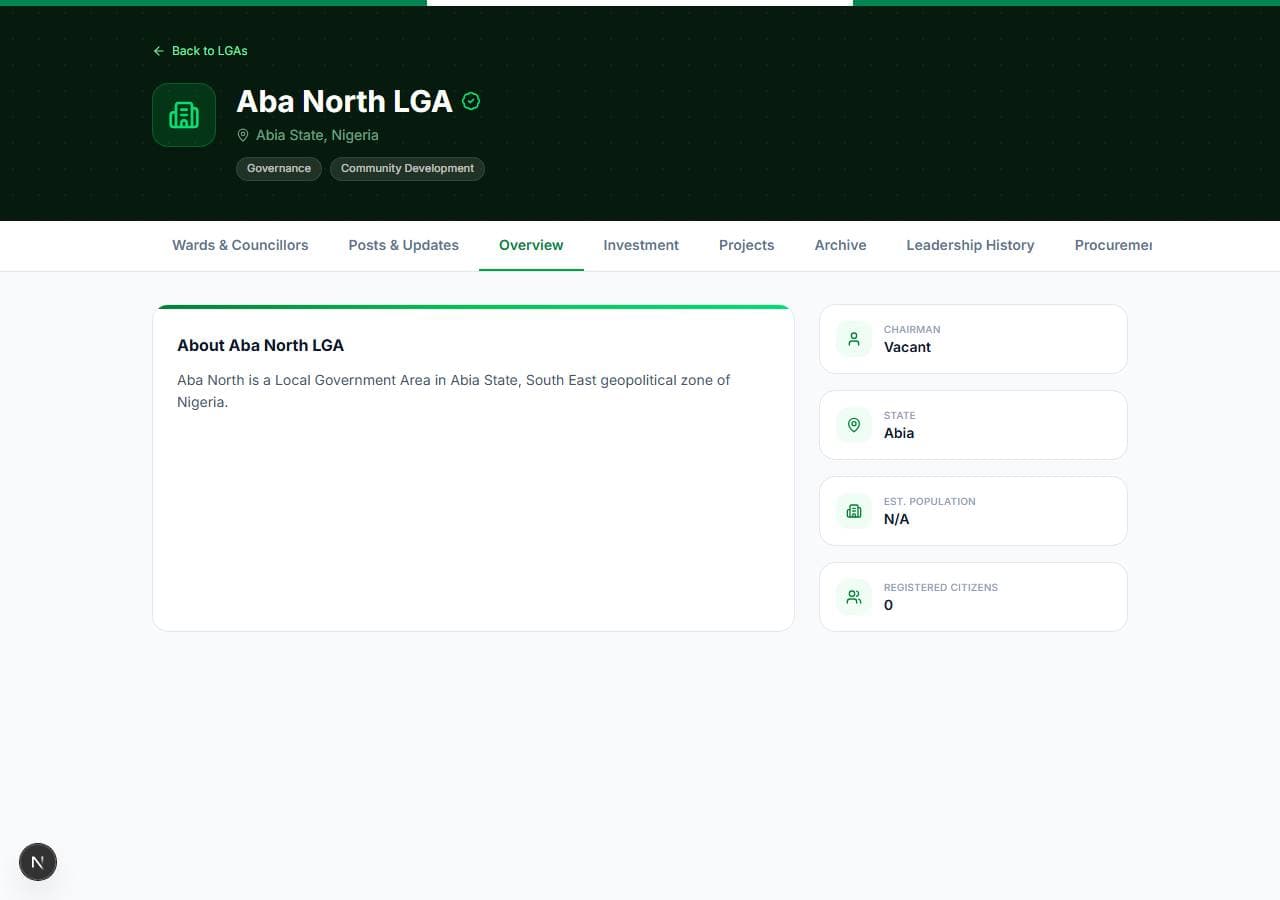
Reads the LGA's overview, ward list, posts, and project archive — the same public page an investor uses to find opportunities.
Comments on the LGA's posts and updates. Every comment is subject to review.
Comments queue for Platform Admin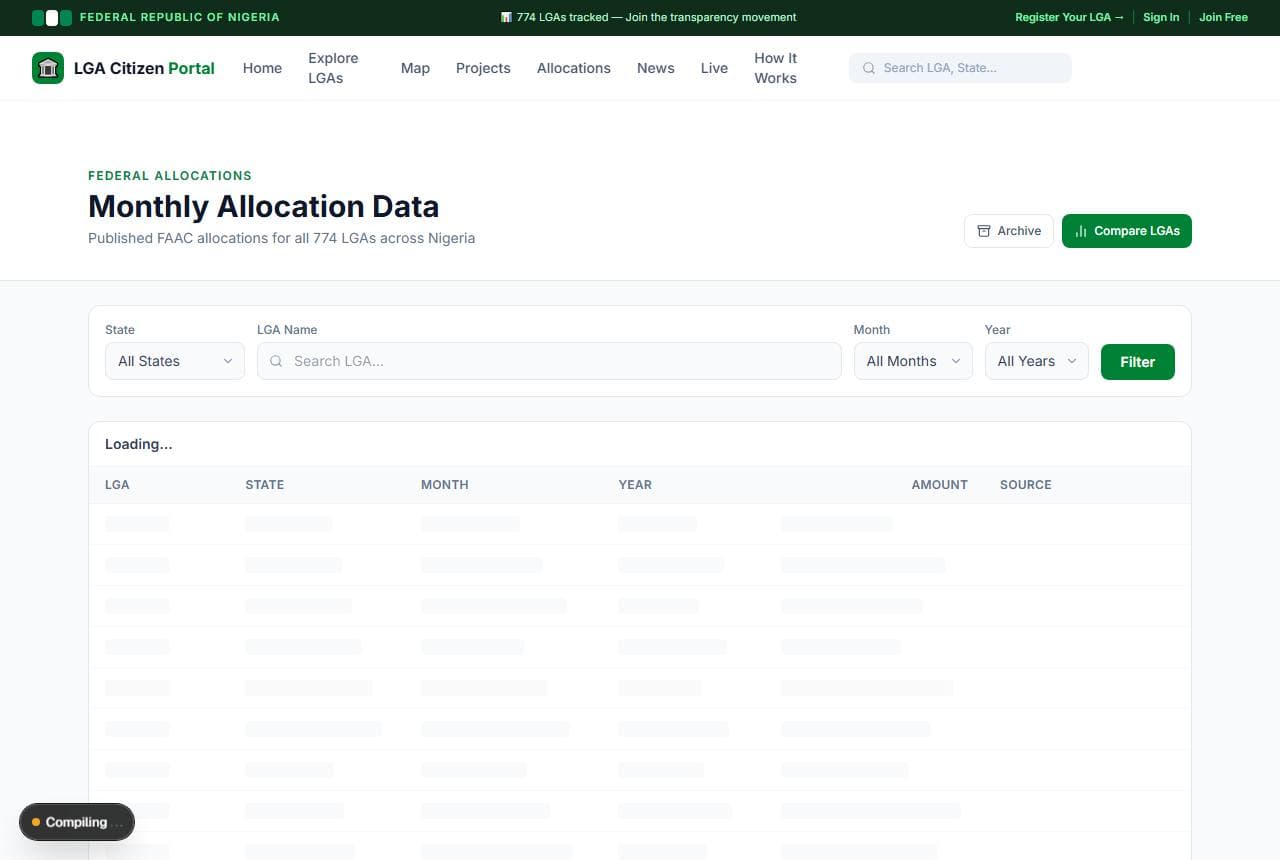
Cross-references monthly FAAC releases against what the LGA itself reports receiving — the platform's core transparency promise.